
Approved quotes become contractsNo PDFs to upload or fields to mark
No credit card. No monthly fee. Clients can cover the processing.
Trusted by modern agencies
Generated, not retypedEverything in the quote carries into the contract.
Scope from the quote
The project overview and scope of work come straight from the approved quote.
app.tillage.ai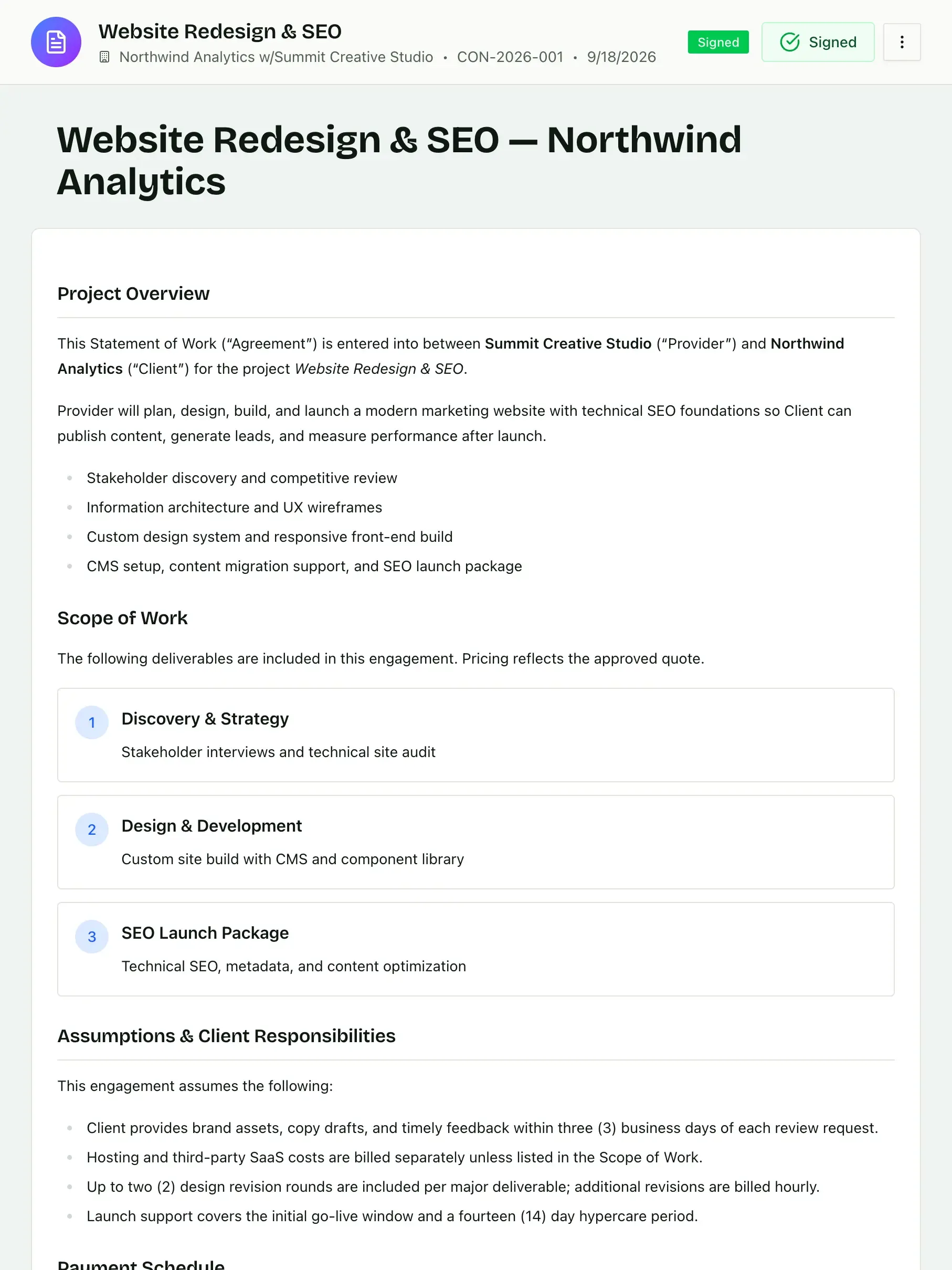
Template blocks and variables
Build contracts from reusable blocks, arrange them differently for each kind of project, and drop in variables like client, price and dates.
app.tillage.ai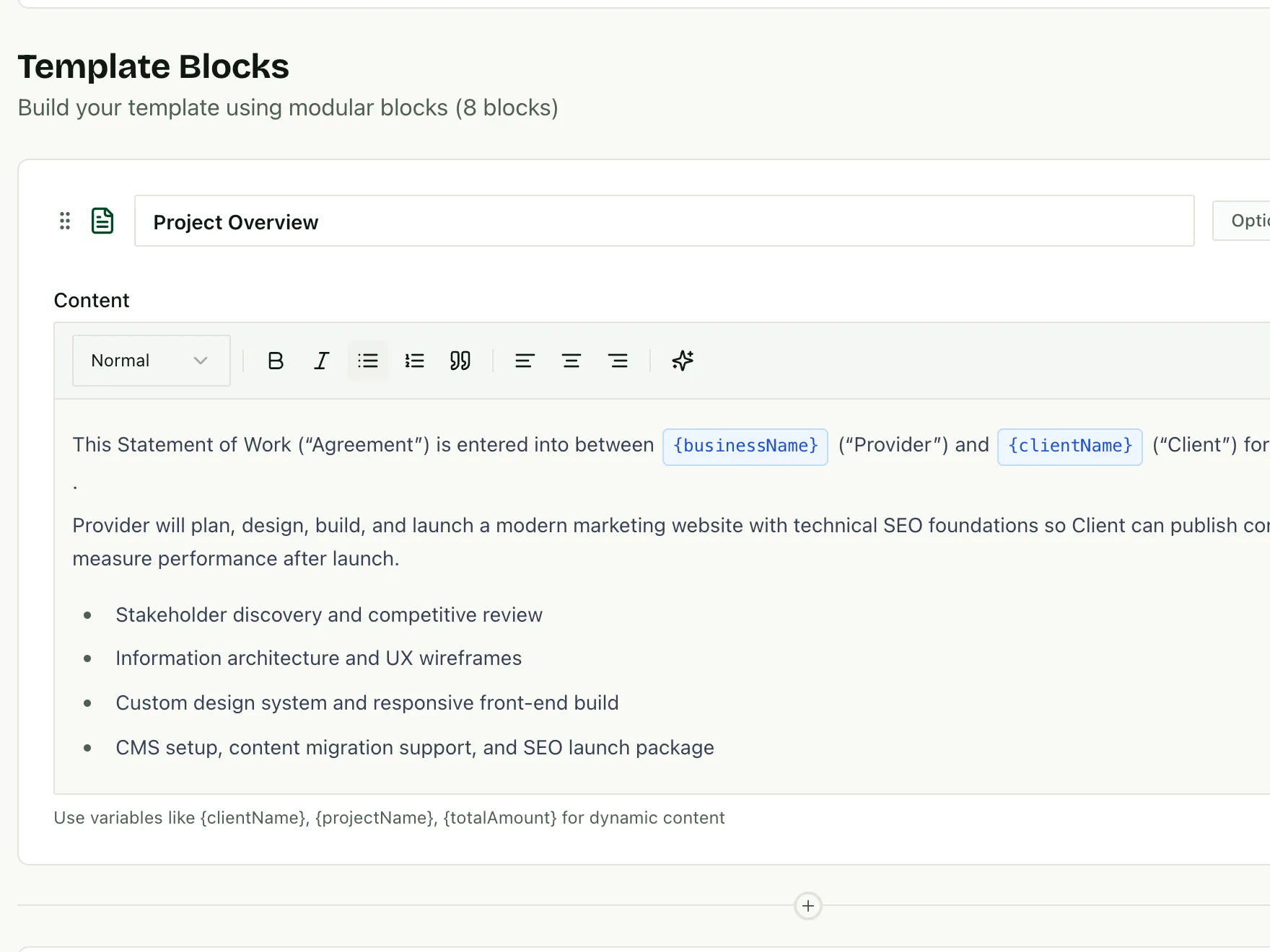
Payment terms included
The payment schedule rides along, so the contract states exactly what is due and when.
app.tillage.ai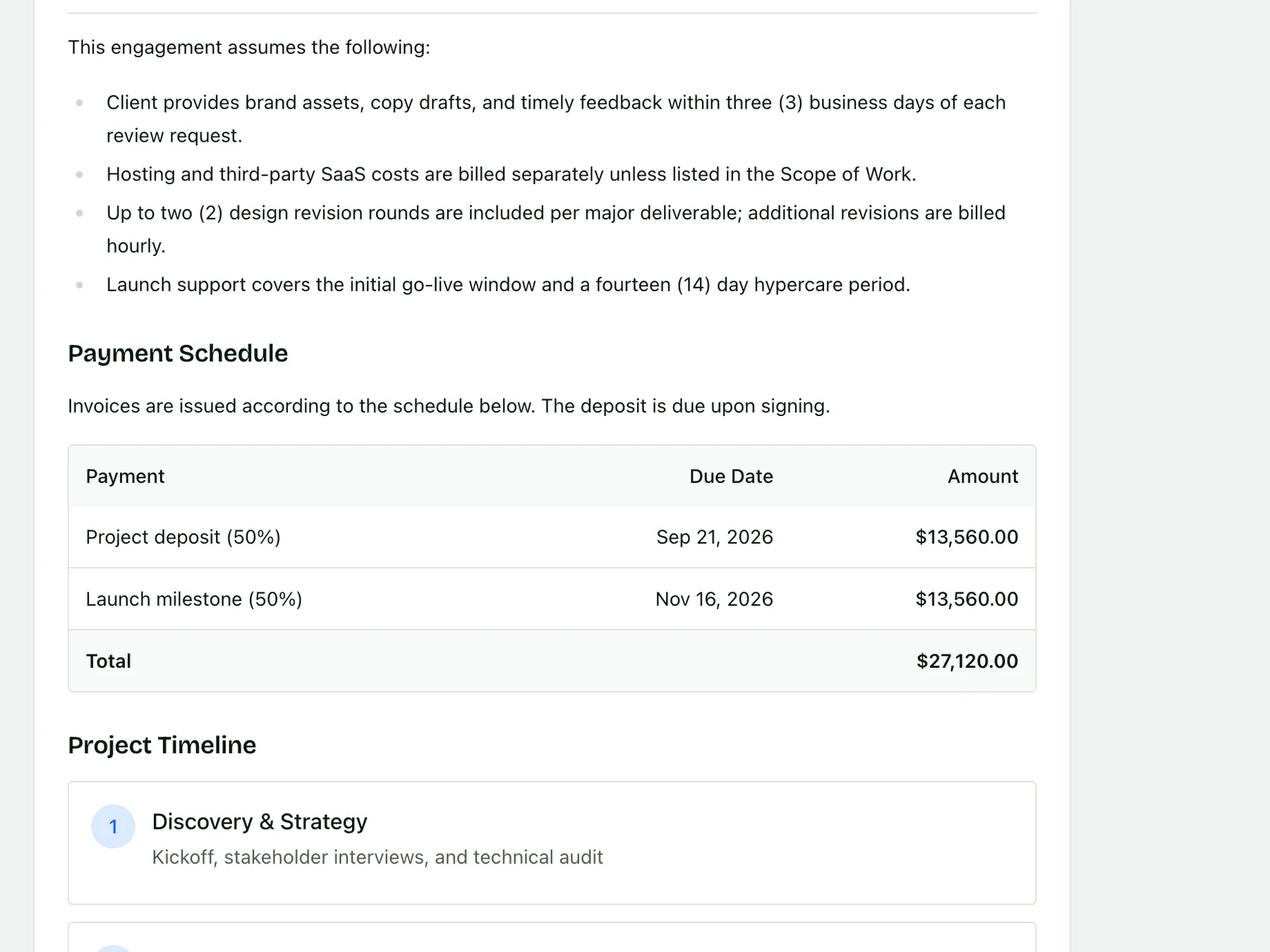
Signed in minutesClients review and sign online, from any device.
A link to review and sign
Clients open the contract from a secure link and sign without creating an account.
app.tillage.ai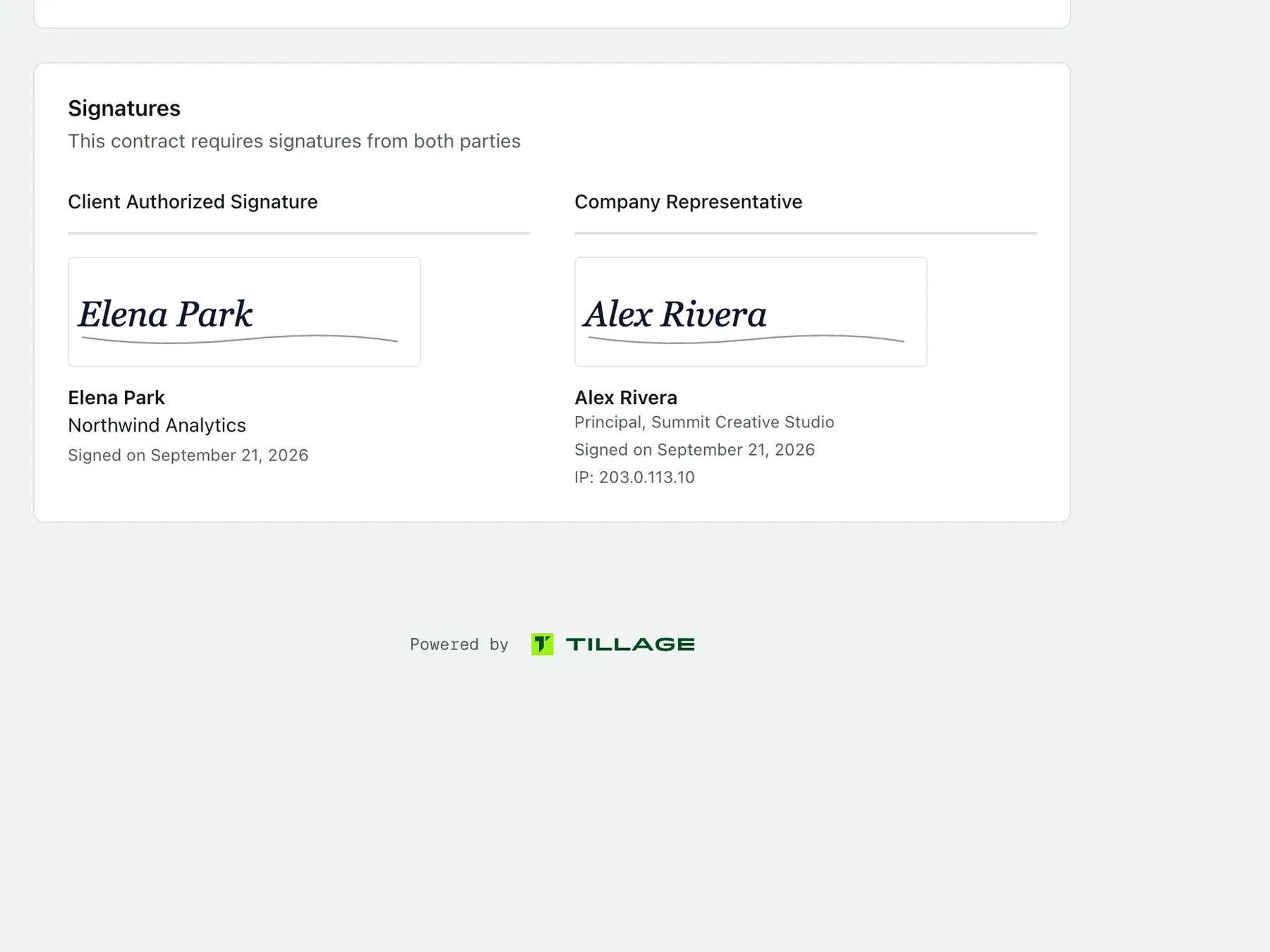
Signed status, at a glance
See which contracts are out for signature and which are signed, with the date recorded.
app.tillage.aiA record you can share
Download the signed contract or share its link whenever a client asks for a copy.
app.tillage.ai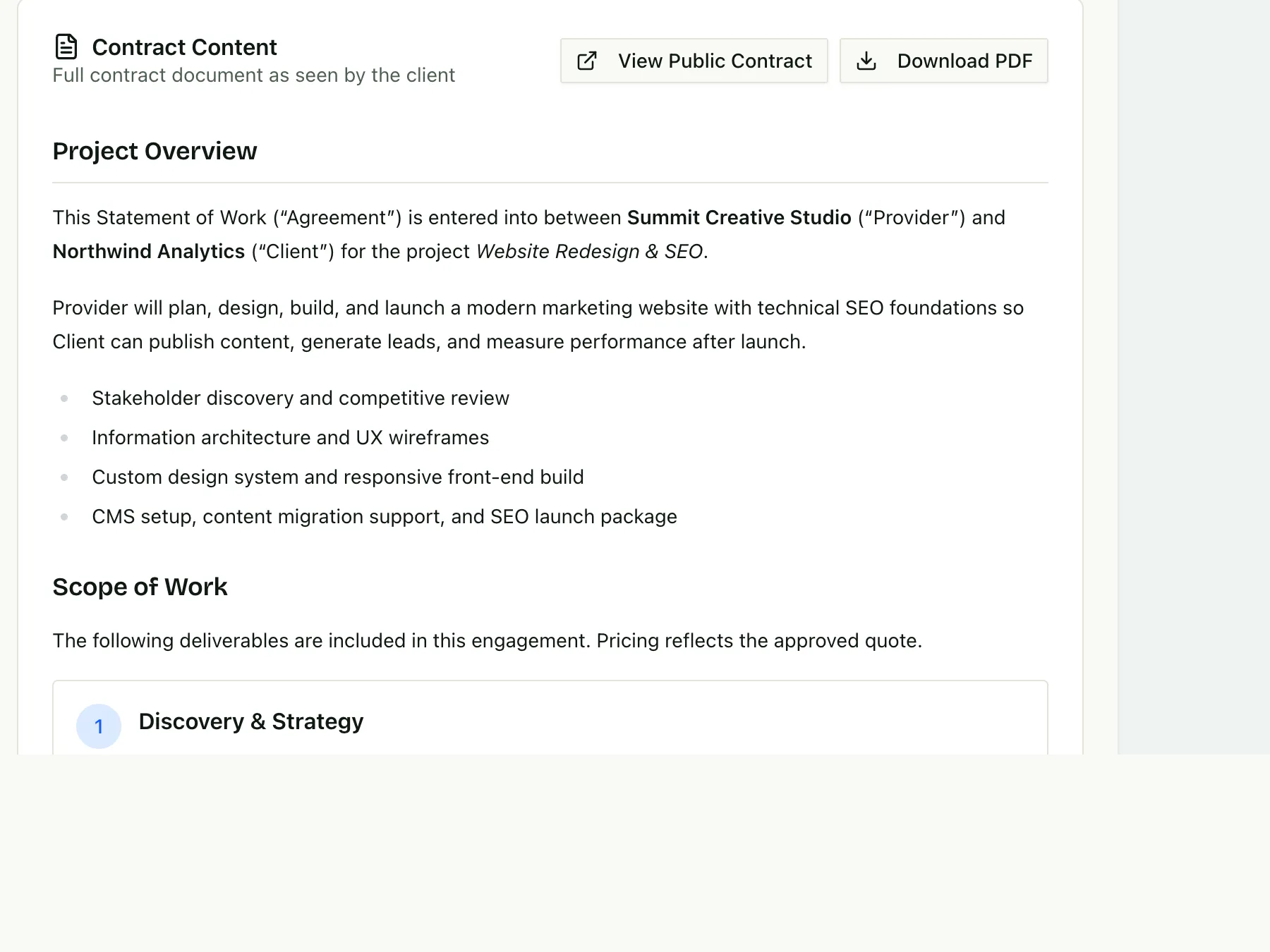
Signing starts the billingThe deposit invoice is ready the moment the contract is signed.
Learn about billing schedulesContract or straight to invoice
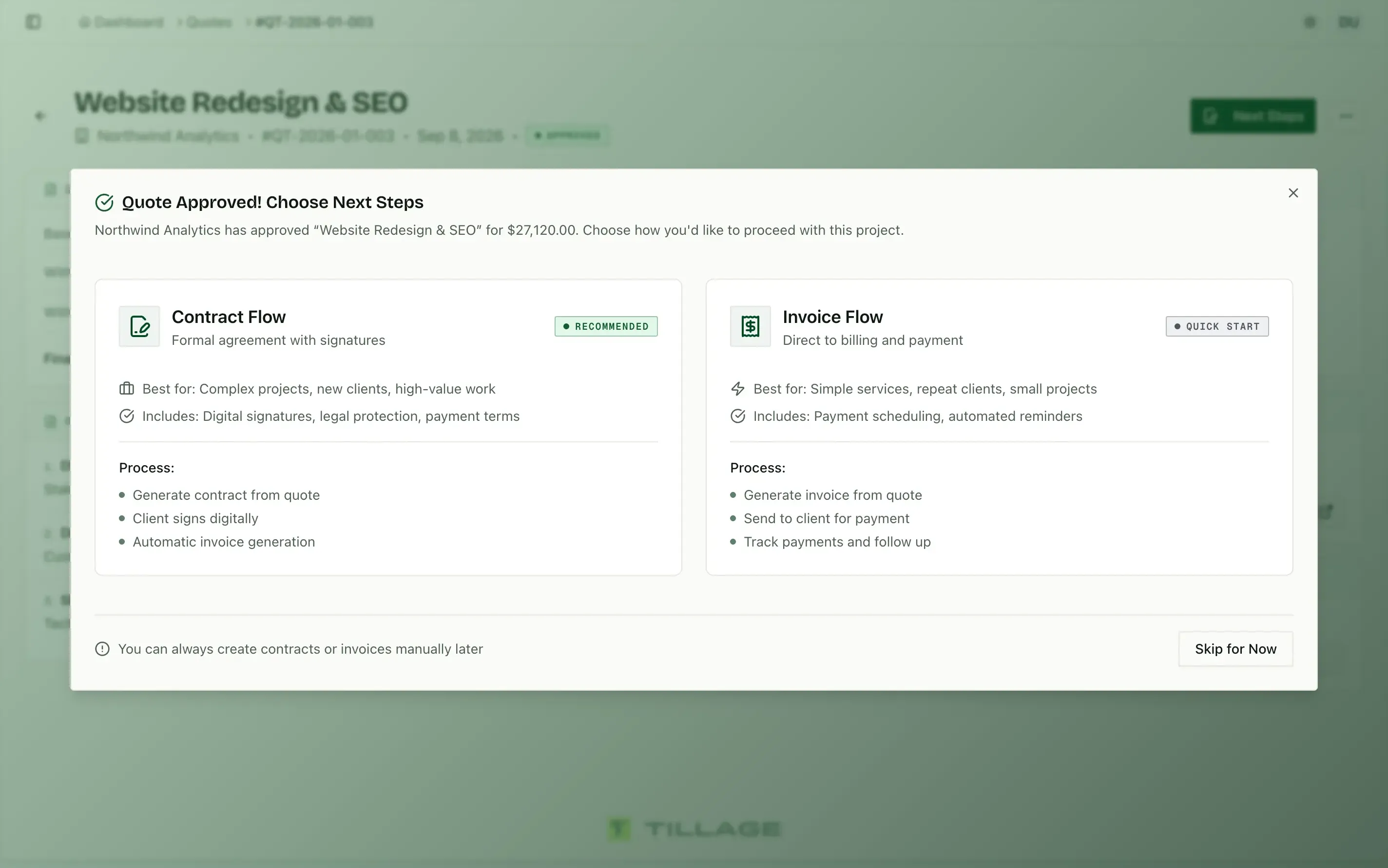
Recommended for most projects, the contract flow adds signatures. Small jobs can skip ahead to invoicing.
app.tillage.aiDeposit on signing
Set the first payment to contract signing, and the deposit invoice is issued as soon as the client signs.
app.tillage.ai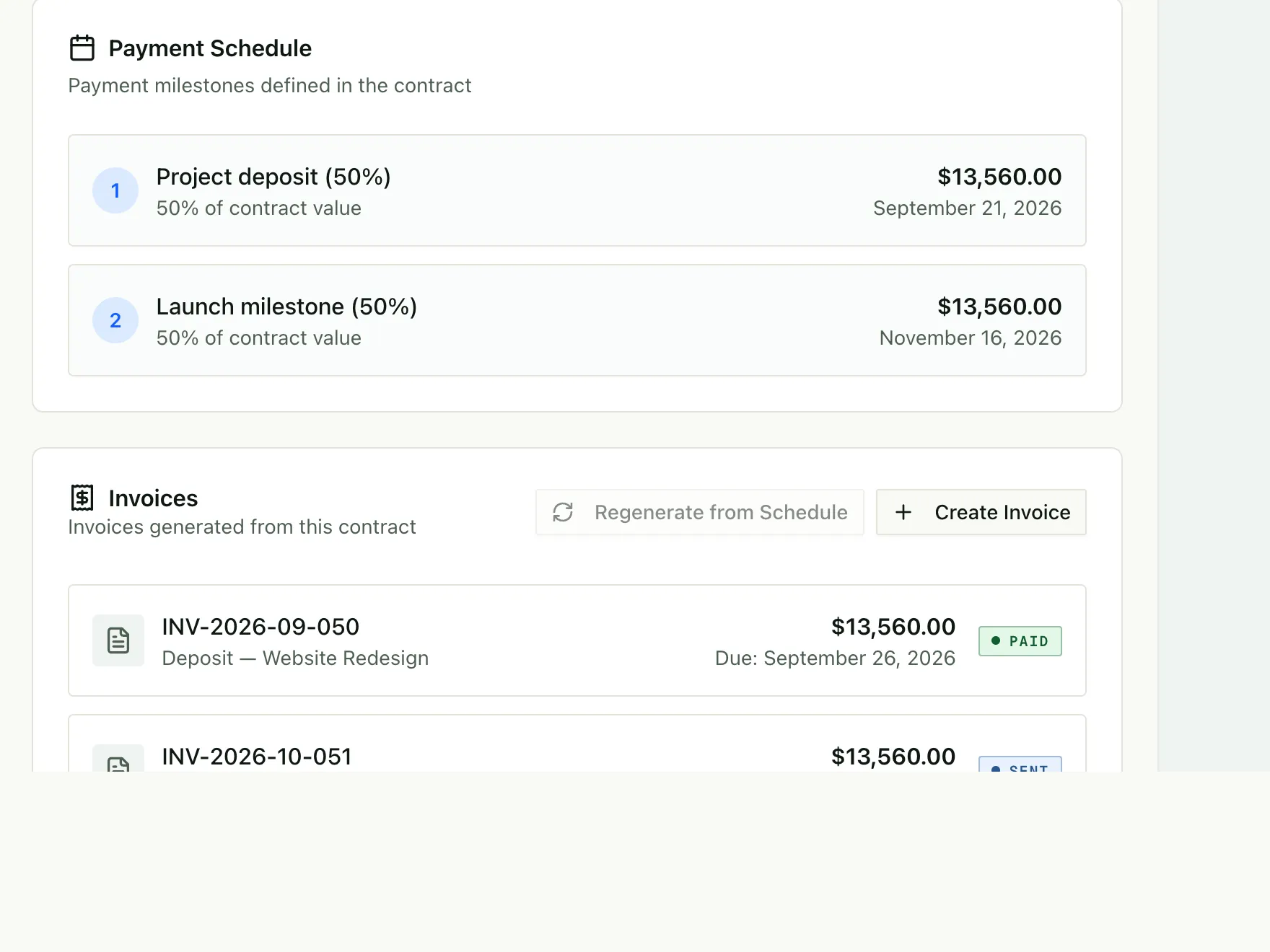
Milestones follow
Later payments are created from the same schedule and wait as drafts until you send them.
app.tillage.ai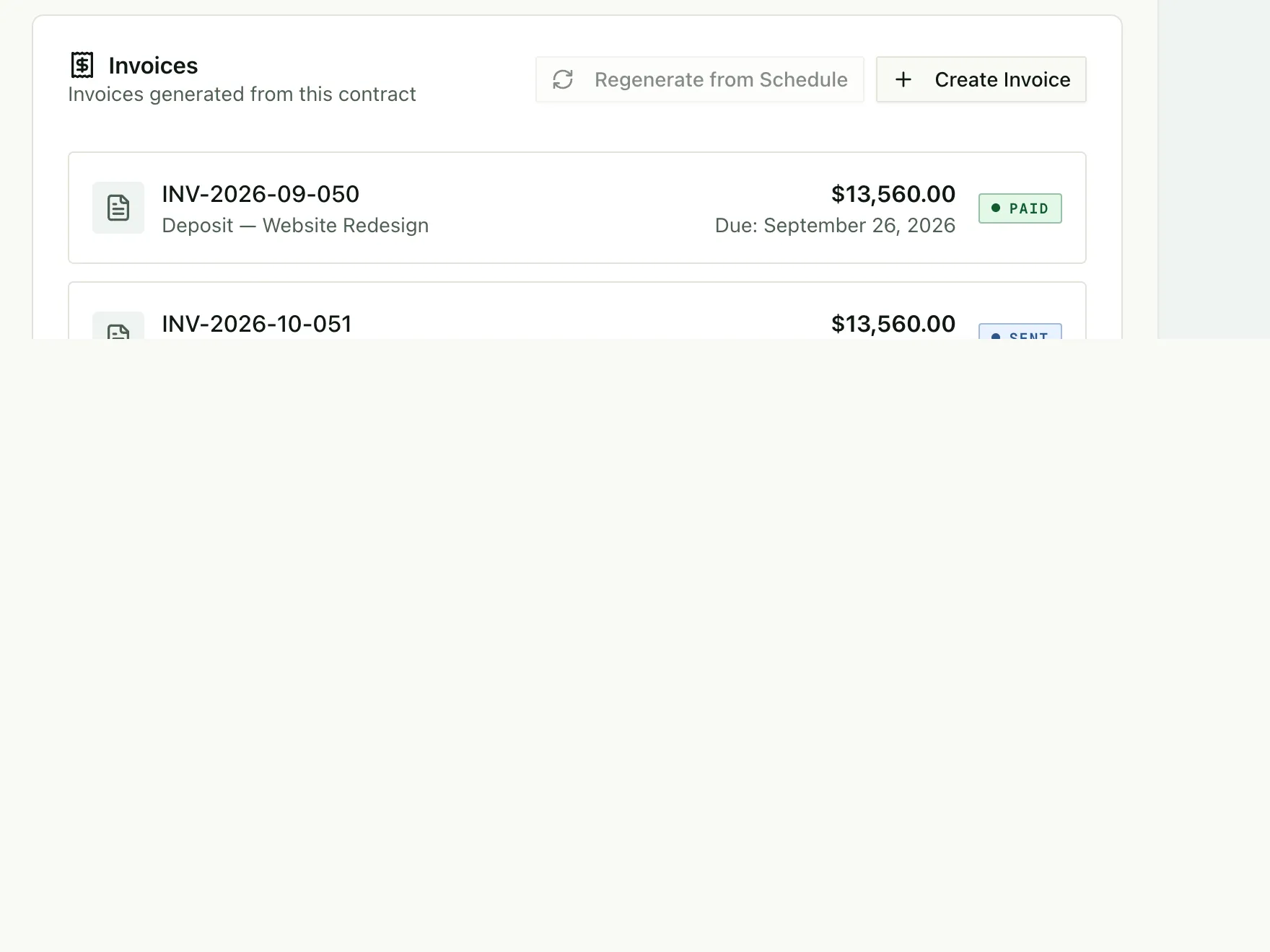
More in contracts
Contract wizard
A step-by-step flow that builds the contract from the quote’s deliverables, timeline and pricing.
Deliverable mapping
Quote line items become binding deliverables in the scope of work automatically.
Execution actions
Collect a deposit or start a recurring invoice the moment a contract is signed.
No DocuSign needed
Legally binding e-signatures for you and your client, built in.
From the blog
· Product
Contract automation for agencies: what it saves and how it works
 Tillage Team
· Proposals
The AI agency proposal template that prevents scope creep
Tillage Team· Product
Smart variables: how to automate invoices and contracts without copy-paste
Tillage Team· Guides
The complete quote-to-cash workflow for agencies
Tillage Team
Contract questions
How are contracts created?
When a client approves a quote, choose the contract flow. Tillage builds the contract from your template with the quote’s scope, price and terms already filled in.
Do clients need an account to sign?
No. Clients review and sign the contract online from a secure link.
Can I use my own contract language?
Yes, Tillage lets you create contract templates with your own terms, then reuse them across clients and projects.
What happens after a contract is signed?
The signed contract connects to its payment schedule. Every invoice is created when the client signs: the deposit is issued right away, and later payments wait as drafts you send when each one is due.